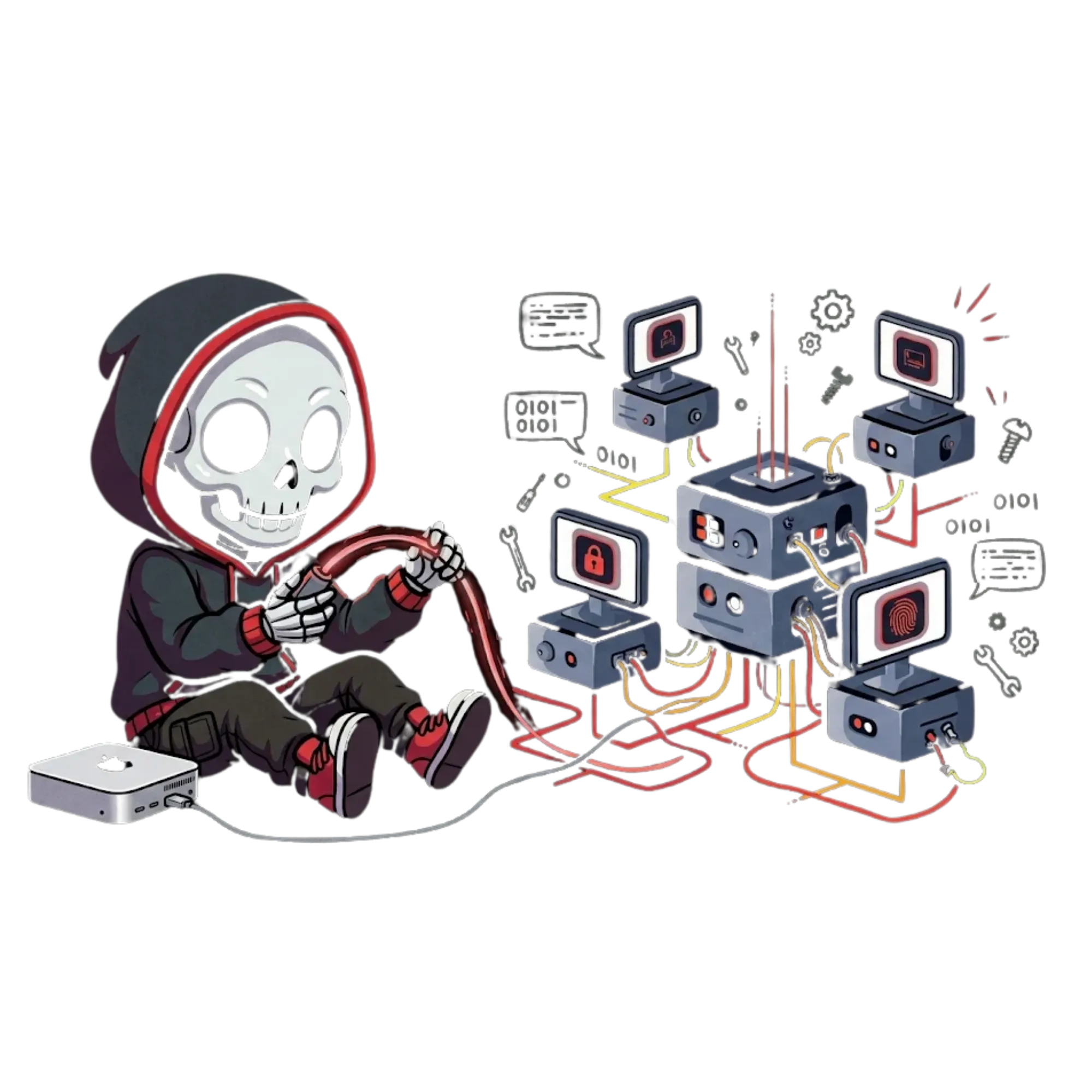
Skeler Labs is a catalog, not a hosting provider. Every entry tells you exactly how it is
delivered — a file, a public target, or a briefing with a flag — and every solve is
recorded against your operator account.
The badge on every card tells you which one you are walking into.
Download
Run it on your own machine.
The access panel exposes format, size and SHA256. Skeler does not host lab machines —
the file is served by the operator, an object store or a release host. Capture the
user flag on the box, then the root flag to close it.
Nothing runs on Skeler infrastructure and no data you enter on a third-party target is
stored by us. Treat those ranges with the same rules of engagement as any public
practice site — and still submit both the user and root flag to finish the operation.
Challenges ship one flag — no shell, no stages. Every briefing carries optional
progressive hints, and the flag hash stays server-side. Submissions are rate limited,
hashed and recorded once per account.
Flags are two-stage on downloads and hosted labs: the user flag records
reconnaissance and unlocks the root stage, and the root flag closes the
operation and records the solve. A lab only counts as solved once both stages are in.
Challenges stay single-flag and award XP on the one submission.
Account
One record, everywhere.
Progress travels with the account, not the device.
One account, one record
Create an operator with an email and a handle. Passwords are hashed with bcrypt and never stored in plaintext.
Signing in issues a 30-day session token stored in this browser. XP, streaks and solves travel with the account, not the device.
XP without noise
Challenges award XP for their single flag. Downloads and hosted labs use a user flag and a root flag; the user flag records partial progress, and the root flag closes the lab and records the solve.
Levels and streaks are derived from solves, never stored as mutable counters.
Sessions & revocation
Every sign-in is its own session. Signing out revokes the current token; rotating your password revokes the others, so a lost laptop cannot keep your record open.
Handles are public on the leaderboard. Emails never are.
Flag format
Exactly SKLER{...}. Nothing else.
Lowercase words separated by underscores, no spaces. Whitespace around the submitted value
is trimmed; the rest must match exactly. Hints never reduce the award.
SKLER{b0ne_v4ult_0p3n}
The seeded Bone Vault challenge uses this flag. Submit it from the lab page to test XP end
to end. Replace it with a fresh hash before publishing a real challenge. Dual-flag labs
use two independent hashes — a user flag and a root flag in the same format.
Dual-flag labs need the user flag before the root stage opens.
Wrong flags are rate limited to eight attempts per minute.
Reference
JSON API
Base URLhttp://localhost:8080
All responses are JSON. Catalog reads are public. Profile, solves and submissions require an
Authorization: Bearer <token> header from /api/auth/login.
Catalog
Public
GET/api/health
Service and database status
GET/api/stats
Catalog counts by delivery
GET/api/labs
Filterable catalog
GET/api/labs/{slug}
Briefing, hints and tracks
GET/api/labs/{slug}/download
Artifact redirect or manifest, including presigned R2 payloads
Force-delete receipts past their 3-business-day window
GET/api/admin/payments/{id}/image
Receipt screenshot (private, 404 after retention)
POST/api/admin/payments/{id}/approve
Grant the months to the account
POST/api/admin/payments/{id}/reject
Reject with a note visible to the operator
POST/api/admin/storage/presign
Signed direct-to-R2 payload upload
GET/api/admin/labs/{slug}/payload
Signed download for a lab's stored payload
GET/api/admin/onboarding
Onboarding deck, including retired cards
Administrators see this group; other operators receive 403.
Quick start
curl
Loading example…
Reality check
This is a demo catalog
Receipt screenshots are kept for three business days (Monday–Friday, Asia/Karachi), then
deleted automatically. The payment row itself survives for accounting and audit. Refunds
are only possible within 48 hours of the payment.
When the real labs are ready, point the download entries at their artifacts and mark
them non-demo. No redeploy is needed — the API reads the row on every request.
-- publish a real artifact without touching the frontendupdate labs
set download_url = 'https://cdn.example.com/skelera-vm.ova',
download_size_mb = 2140,
download_sha256 = '<sha256 of the artifact>',
is_demo = false
where slug = 'skelera-vm';
Full deployment and seeding notes live in the repository README.